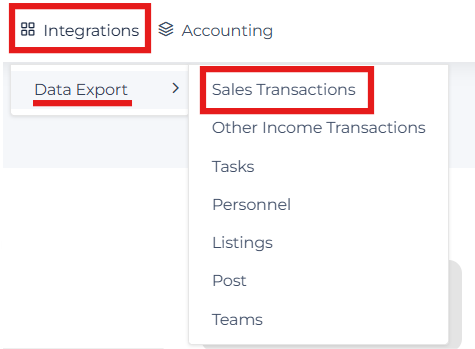
Data Export for Sales Transactions
Overview:
In this article, we will cover how to find and use the Data Export for Pending, Closed and Cancelled Sales Transactions. This transaction-level report utilizes side-office data to provide a comprehensive look at your site's activity. The report offers robust filtering capabilities, allowing you to narrow down data by date range, status, and specific offices. The export is highly customizable; you can select specific fields to include and any custom fields unique to your site configuration.
To streamline your workflow, the system supports saving these configurations as Export Templates. These templates allow you to save your selected filters and field settings for future use. Once your data is configured, you can export it as an Excel or CSV file, or utilize Data Studio integration to view your data in full-screen, interactive environment for advanced analysis.
Quick Reference:
The data export is a transaction level report using side office data.
Permission Level: Admin + Agent Billing
Report Details:
- Filters
- Date Type
- Status
- Date Range
- From/To
- Offices
- Export Data Fields - You can select the items for which you want to run the report by checking the appropriate options.
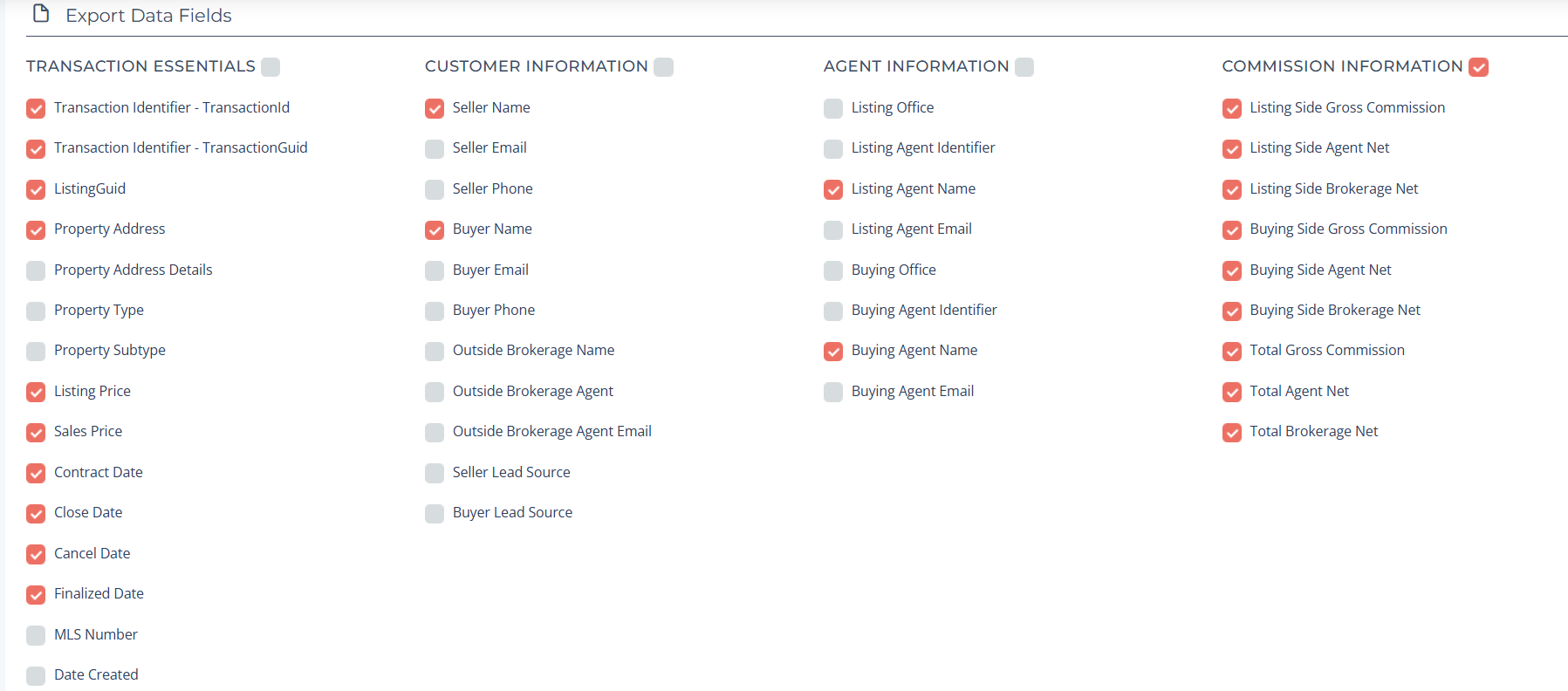
- Miscellaneous Information
- Title Company
- Mortgage Company
- Referral
- Tags
- Custom Fields - This is dependent on the custom fields you have set up on your site, if any.
- Ability to Export to Excel or CSV
- Ability to Save to Export Templates
- Export Templates allow you to save a report with your selected filters and give it a name for future use. You can easily access the template by copying the link and applying it whenever needed. Additionally, you have the option to remove a saved export template at any time.
- Automating BI Dashboards with Open Data Endpoints - The Data Integrations tab empowers you to move beyond manual CSV downloads. By creating custom export templates, you generate a live, persistent URL that feeds your data directly into external tools.
- Ability to View in Data Studio
- Clicking this will load all exported data into Data Studio for review. (Full Screen)
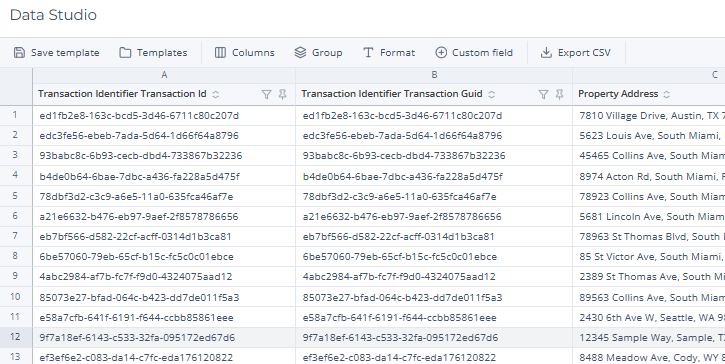
- Clicking this will load all exported data into Data Studio for review. (Full Screen)
Navigation: